Recent Notes Insertion
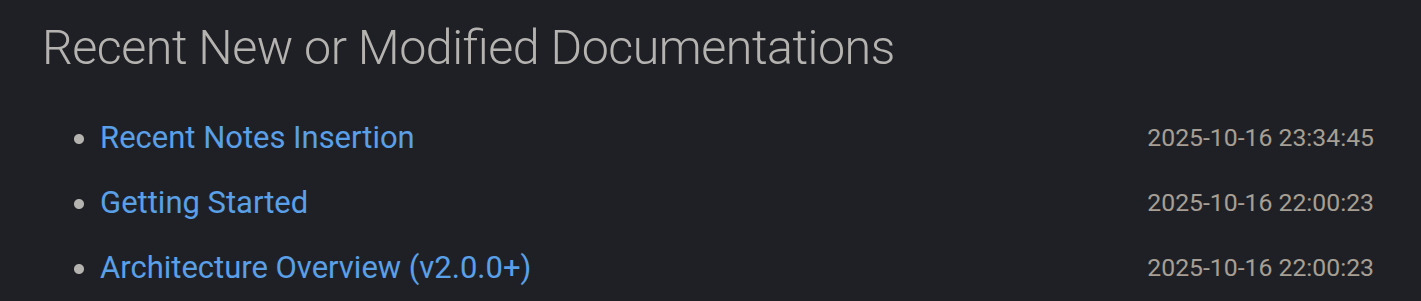
Mkdocs Note support inserting the links which refer to the recent new or modified documentations to the marked placeholder which can be configured in mkdocs.yml as below.
Setup Where to Insert
The first step is to configure where to insert the link(s) of recent new or modified documentations.
Marker
To setup the markers to mark the placeholder where to insert the links of recent, you can configure the recent_notes_config option in mkdocs.yml as follows:
plugins:
  - mkdocs-note:
      recent_notes_config:
        insert_marker: "<!-- recent_notes -->"
By default, the marker is <!-- recent_notes -->.
In the index file which under the notes root directory, you should add the marker as follows in where you want to insert the links if you use the default marker we have just talk about above:
---
date: xxxx-xx-xx xx:xx:xx
title: My Documentation
permalink:
publish: true
---

# My Documentation

## Recent Updates

<!-- recent_notes -->
Max Number of Documentations to Insert
You can configure the maximum number of notes to insert by setting the insert_num option in mkdocs.yml as follows:
plugins:
  - mkdocs-note:
      recent_notes_config:
        insert_num: 10
In the case of default, the maximum number of notes to insert is 10.